Free Shipping
Every ErgoVora order includes complimentary delivery.
Follow your ErgoVora workspace essentials from dispatch to delivery. Use the tracking number included in your shipment confirmation email to open the latest carrier update.
 01
01Enter the carrier tracking number supplied after your order ships.
Every ErgoVora order includes complimentary delivery.
Most orders are expected to arrive within this delivery window.
Our support team is available whenever a delivery question arises.
Tracking becomes available after your order has been processed, prepared and accepted by the assigned carrier.

Your order has been received successfully. A confirmation email is sent to the email address entered during checkout.
Your items are reviewed, prepared and packaged for transit. Tracking may not be available during this stage.
Once the parcel is accepted by the carrier, you receive a shipment confirmation containing your tracking number.
Your order moves through the carrier network. New scans appear as the parcel reaches sorting facilities and regional hubs.
The carrier marks the parcel delivered after completing the final handoff at the shipping address supplied with your order.

Carrier language can vary, but most updates fall into a few clear stages. Use this guide to understand the latest scan.
Shipment information has been submitted to the carrier. The first physical scan may not have occurred yet.
The carrier has received the parcel and entered it into the transportation network.
The parcel is moving between facilities. A gap between scans can be normal during long-distance transportation.
The parcel has reached a local delivery unit and is scheduled for a delivery attempt that day.
Weather, access issues, address questions or operational delays may have interrupted the original delivery schedule.
The carrier has completed delivery. Check entrances, reception areas, parcel lockers and other secure locations around the address.
A few simple checks can help your ergonomic furniture and workspace accessories arrive smoothly and remain protected during handoff.

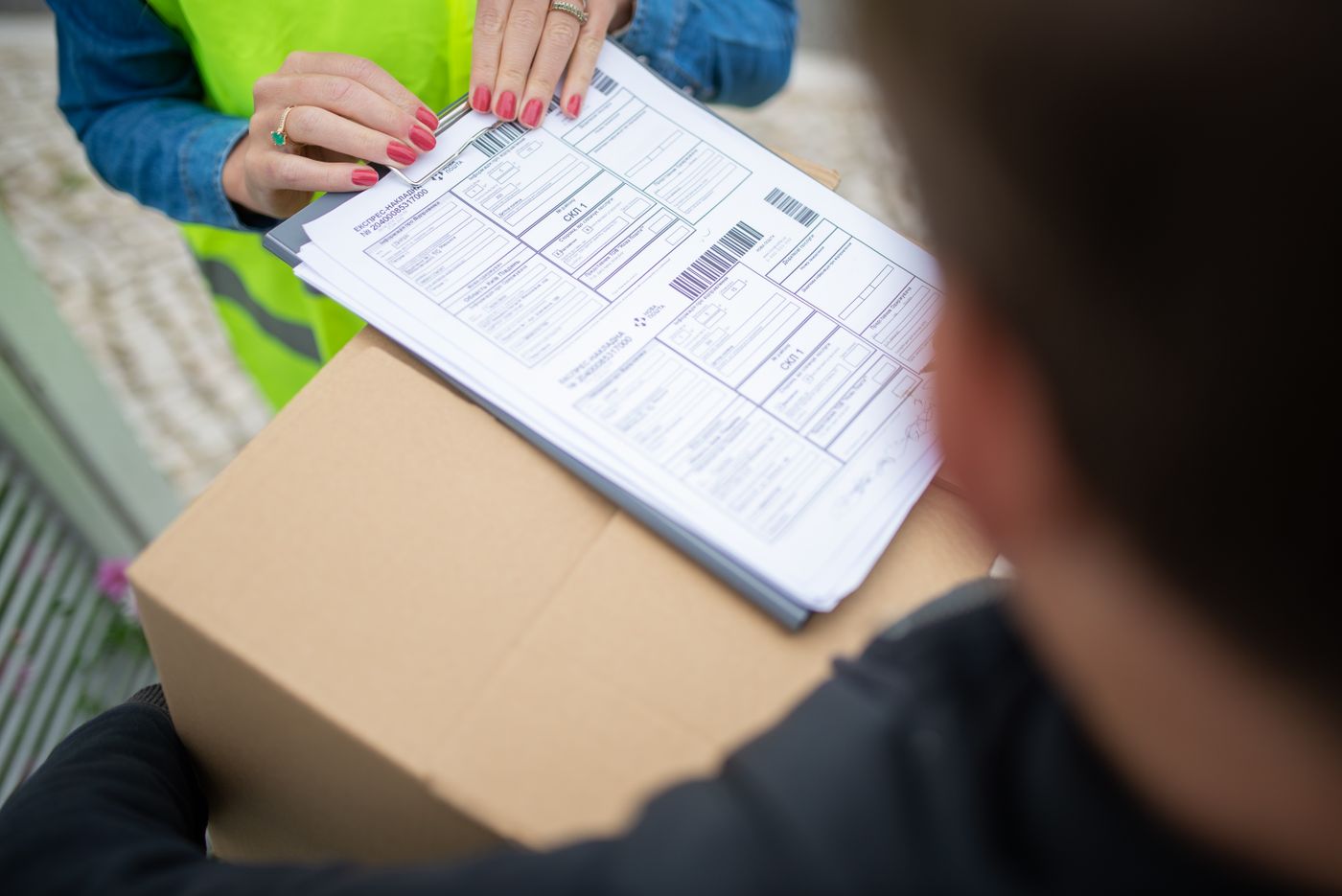
Practical answers for delayed scans, split shipments and delivery notifications.
Your tracking number is included in the shipment confirmation email sent after the parcel has been accepted for delivery. It is different from your ErgoVora order number.
A shipping label may be created before the carrier completes the first physical scan. Allow several hours for the tracking record to become active, especially during evenings, weekends or peak periods.
Parcels are not scanned continuously while moving between carrier facilities. Tracking may remain unchanged until the shipment reaches its next sorting location.
Yes. Larger furniture, accessories and products prepared at different locations may travel in separate parcels. Each dispatched parcel may receive its own tracking number.
Check front and side entrances, reception desks, parcel lockers, mailrooms and other protected areas. Also ask household members, neighbors or building staff whether they accepted the parcel.
Review the carrier page for a delivery exception or revised estimate. Have your order number, tracking number and shipping address ready so the support team can review the shipment efficiently.
Send the support team your order number, tracking number and a brief description of the issue. ErgoVora provides customer support 24 hours a day, seven days a week.